Chat Live
 Contact Us
 sales@valuetronics.com


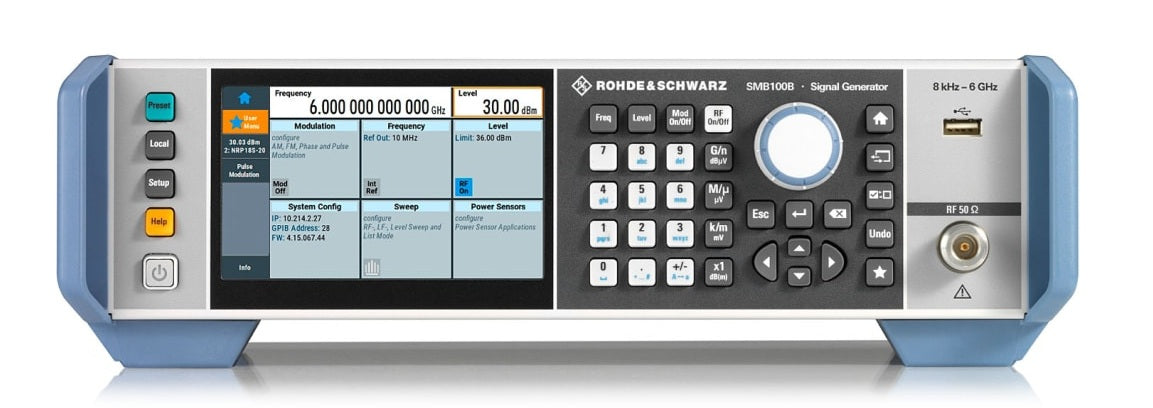
The new R&S SMB100B RF signal generator is all about performance and versatility in a small footprint. Outstanding spectral purity and very high output power combined with comprehensive functionality and very simple operation are some of the impressive features of the R&S SMB100B.
Model No
SMB100B
Condition
New
Manufacturer
Rohde & Schwarz
Rf_gen_freq
6 GHz


30+ Years in Business

Secure Payments

Sell Test Equipments

Knowledgeable Staff

On-site Lab
30+ Years in Business
Secure Payments
Sell Test Equipments
Knowledgeable Staff
On-site Lab
Request A Quote