Chat Live
 Contact Us
 sales@valuetronics.com


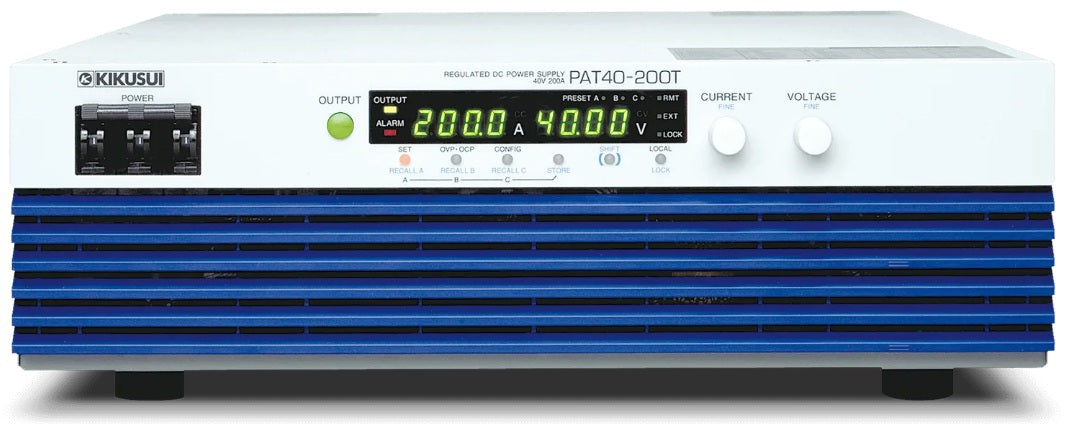
*The image is for reference only. See product specification for details.
Model No
Kikusui
Condition
New
Manufacturer
Kikusui


30+ Years in Business

Secure Payments

Sell Test Equipments

Knowledgeable Staff

On-site Lab
30+ Years in Business
Secure Payments
Sell Test Equipments
Knowledgeable Staff
On-site Lab
Request A Quote